From phone photo to studio shot in four steps
No photographer, no props, no editing software. Just a clear photo and a few clicks.
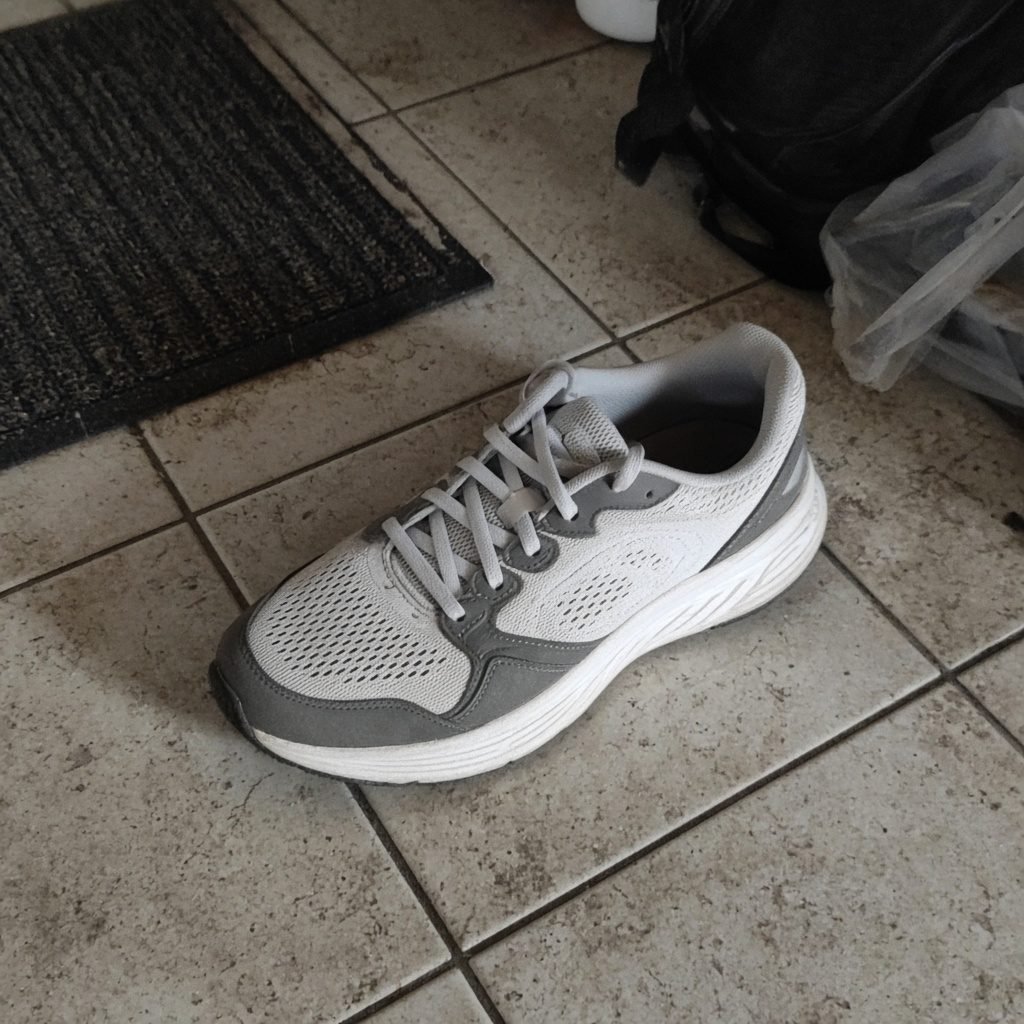 BeforeYour phone photo
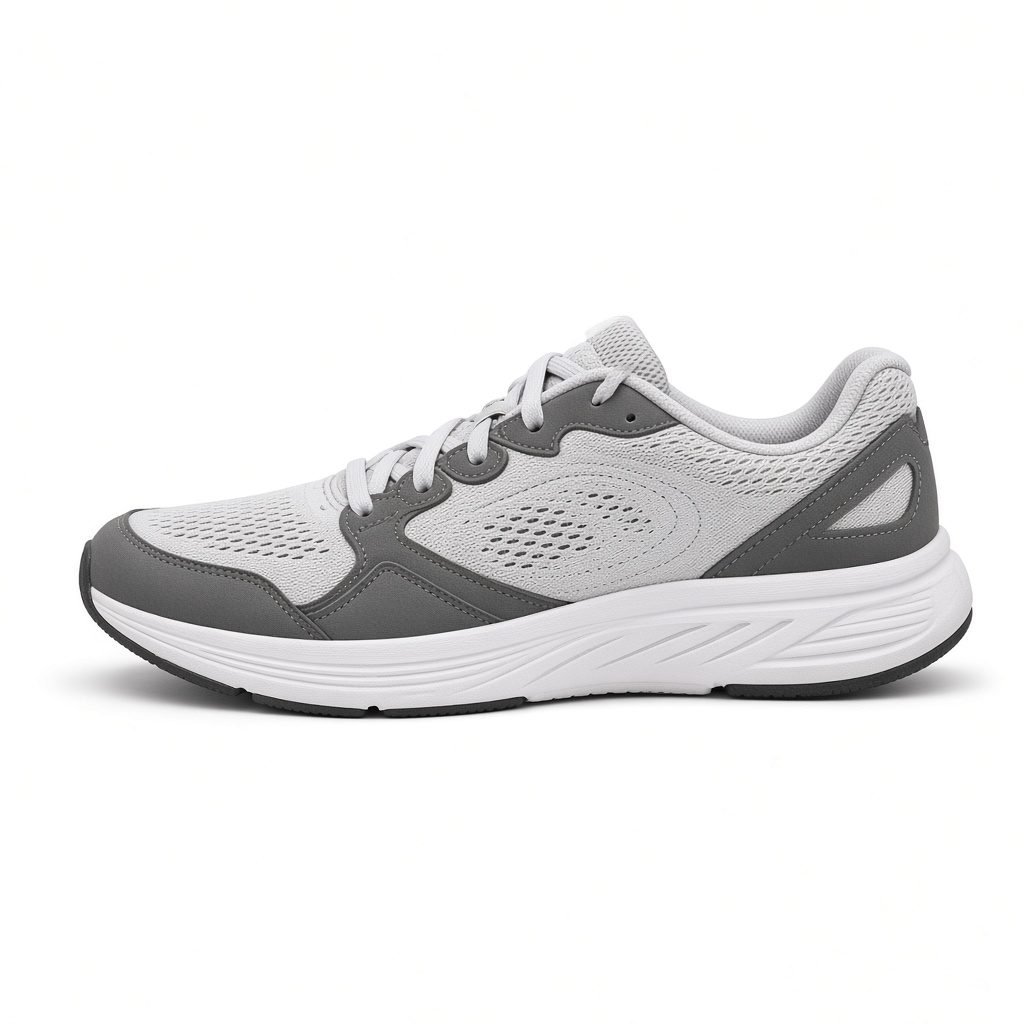 AfterEcomX/Photo
Four steps
Choose a credit plan
Pick Starter, Pro or Business on the pricing page and message us on WhatsApp. We activate your access once payment is confirmed.
Log in
Sign in at My Account. Your plan unlocks the studios and adds your monthly credits.
Pick a studio and upload
Open the right studio (EcomX/Photo, FoodStudioX, Apparel, Jewelry or Headshot) and upload your photo.
Generate and download
Choose a style and generate. Credits are used when you generate images. Download the ones you like.
What you need
- A clear photo of your product, dish or yourself (a phone camera is fine)
- An active VirtualStudioX credit plan (or existing membership) and login
- A browser on desktop or mobile
What you get
- AI-generated studio-style images you can download
- Styles tuned for each studio's category
- Images you can use for listings, menus, social media and profiles (see Terms)
Tips for the best results
Better input means better output.
Use soft, even light
Shoot near a window in daylight. Avoid harsh flash and strong shadows.
Keep it sharp
Hold the phone steady and tap to focus. Blurry inputs give blurry details.
Fill the frame
Keep the product centred and large in the photo, with a little space around it.
Plain background
A simple, uncluttered background helps the AI separate your product cleanly.
Show the real product
Remove packaging glare, stickers and fingers. Clean the product first.
Check before you publish
Always review generated images so labels, colours and details match your real product.
FAQ
How long does it take?
Usually a few moments per image, depending on the studio and your connection.
Do I need any software?
No. Everything runs in your browser after you log in.
Can I use the images commercially?
Yes, for your own business, subject to our Terms & Conditions.
What if the result isn't right?
Try a clearer input photo or another style. If you're stuck, message us on WhatsApp.
How do I pay?
Message us on WhatsApp with the plan you want. We'll share payment details (UPI or bank transfer) and activate your access once payment is confirmed.
What are credits?
Each plan includes a monthly number of credits (40, 100 or 200). Credits are used when you generate images and don't roll over. You can add a 30-credit top-up for ₹499. See Pricing.
Which studio should I use?
See the Studios page for what each one is built for.
Try it on your product
Pick a plan and generate your first studio shot today.